
To add a new person to the Project:
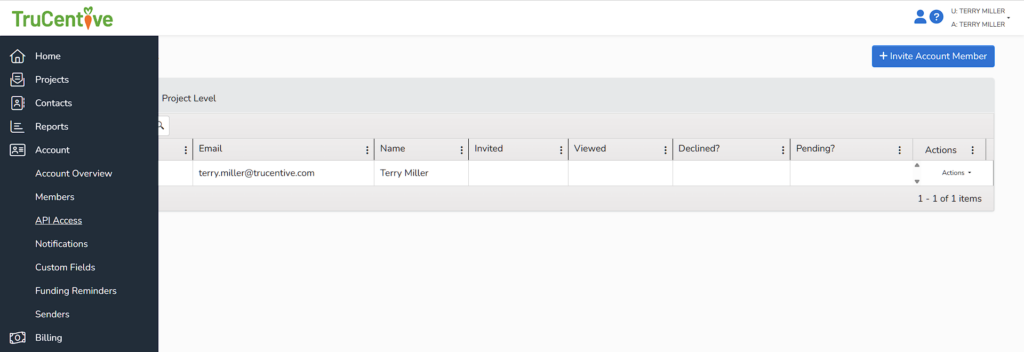
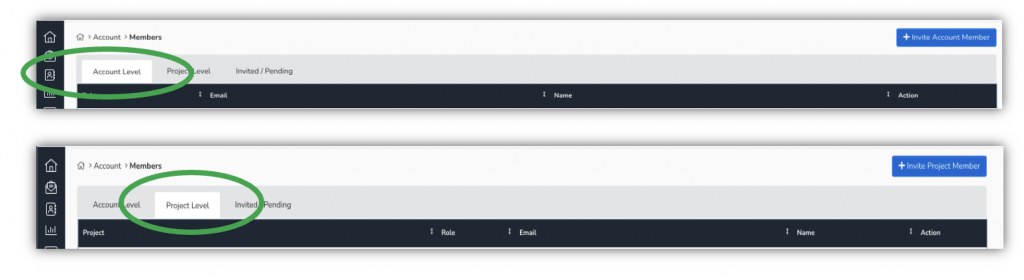
Account > Members > Project Level > +Invite Project Member
Enter the email address of the new member, find the designated project in the drop-down, choose which role the new member will have, then click send invitation
To add a new person to the Account:
Account > Members > Account Level > +Invite Account Member
Enter the email address of the new member, click the drop-down arrow, and choose which role the new member will have, then click send invitation