
Yes! We do have a selection of physical merchandise that you can send out as a choice. These items can be included with a selection of gift cards which offers a mix and match option for recipients to select exactly the right gift for themselves!
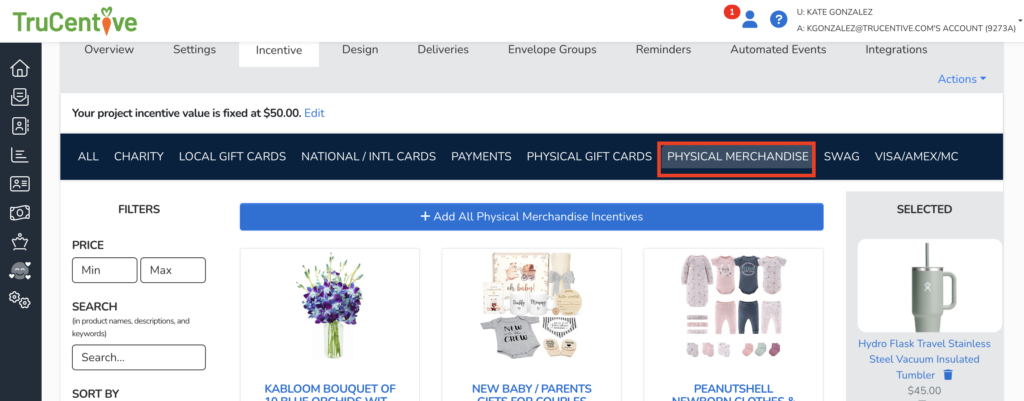
Just click on Merchandise when you are in the Incentives tab in your project and you can browse our selection and add items to your project.
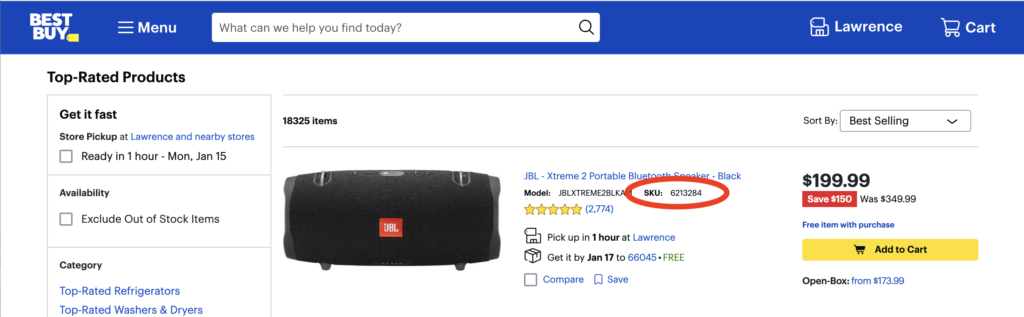
If you do not see what you are looking for you can visit https://www.bestbuy.com/ , if you find an item you would like to add to the catalog just copy the SKU and send it over to support@trucentive.com.
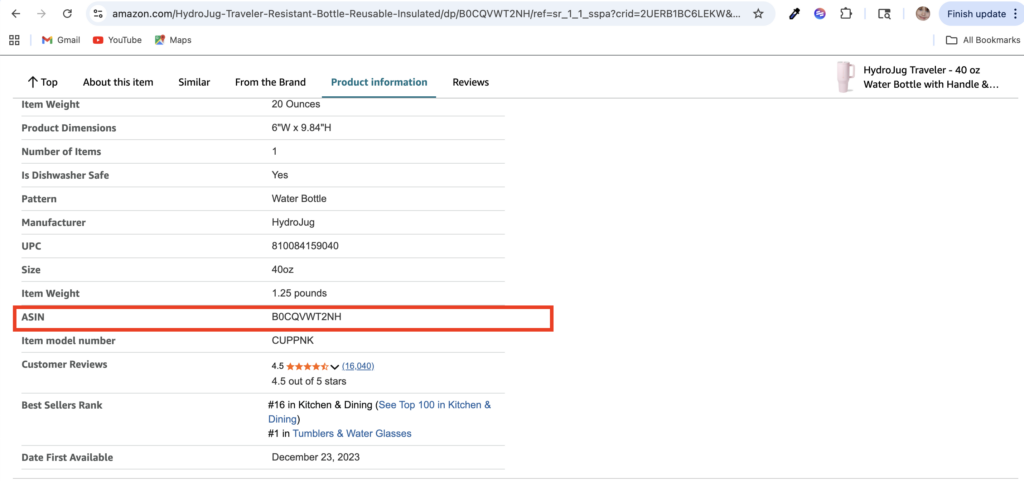
You can also go to https://www.amazon.com/ and find the product you would like to add, scroll down to the product information and copy the ASIN number and send it over to us at support@trucentive.com
Here is a quick tutorial on Physical Merchandise: