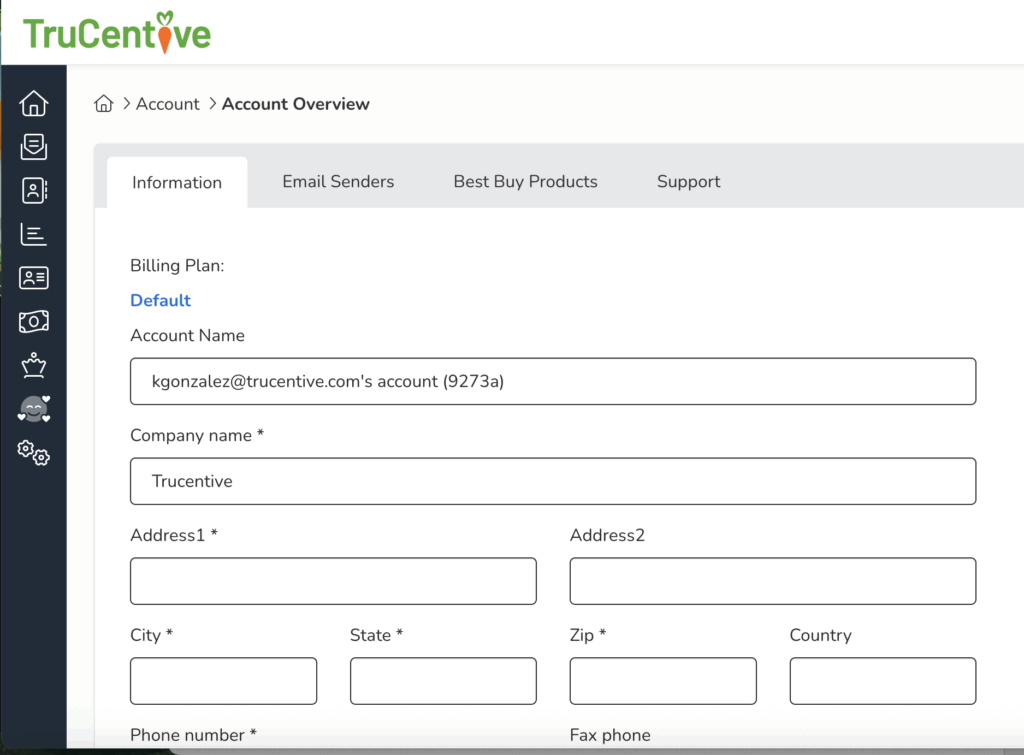
After you log in, go to the drop-down menu on the right side of the screen, click on Account > Account Overview > Information
Fill in all relevant information and click on Update Account Information.