
The “Senders” tab allows you to control the sending address that recipients will see. It can be used to assign specific senders at the account level or on individual projects.
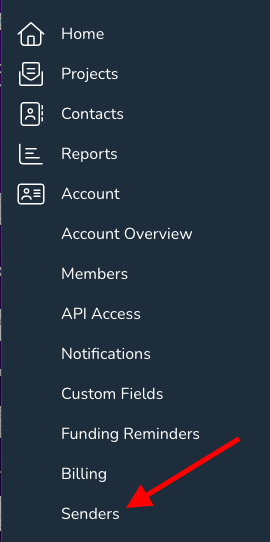
To access the senders tab click on the account icon in your main menu and then click on Senders
You may add senders to your account one at a time or in bulk by uploading a CSV file:
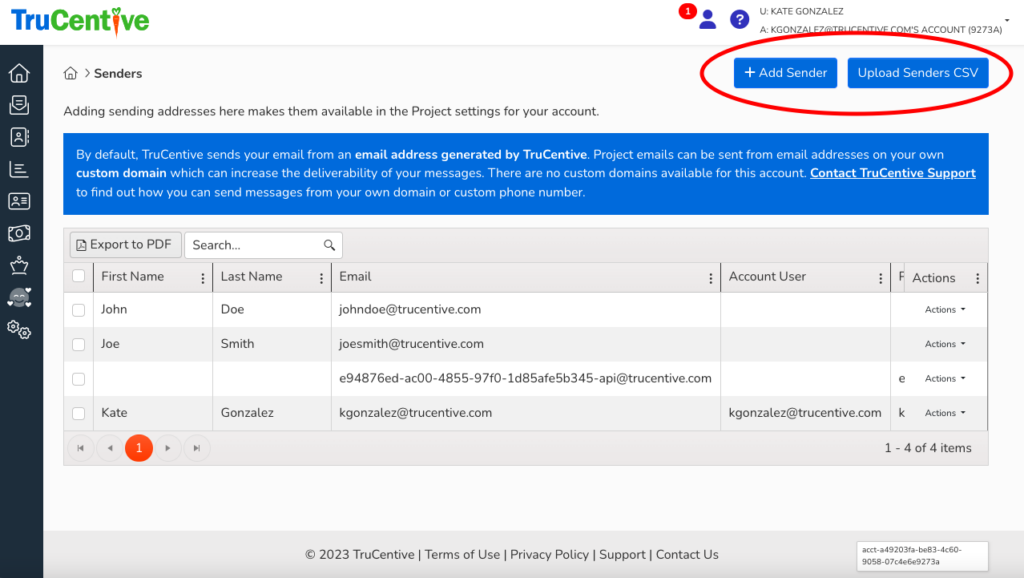
Tip: Make sure that you populate the name field when you add a sender. If you do not, the sender will not show up on the drop-down menu on the project settings page
To assign a sender to a project go to the project page and click on settings > from addresses > Email, then click on the drop down to select your sender
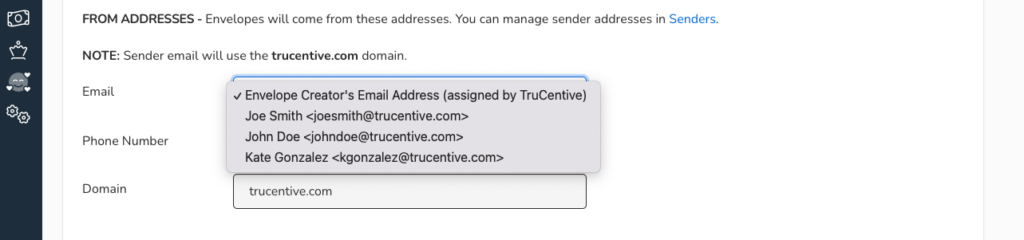
Don’t forget to save your project by clicking blue “Save Project” button in the upper right hand corner of your screen.
If you have additional questions about the details of the senders feature, please contact support@trucentive.com