
You can easily customize your SMS message to fit your needs for your project!
Within the project click on the Design tab
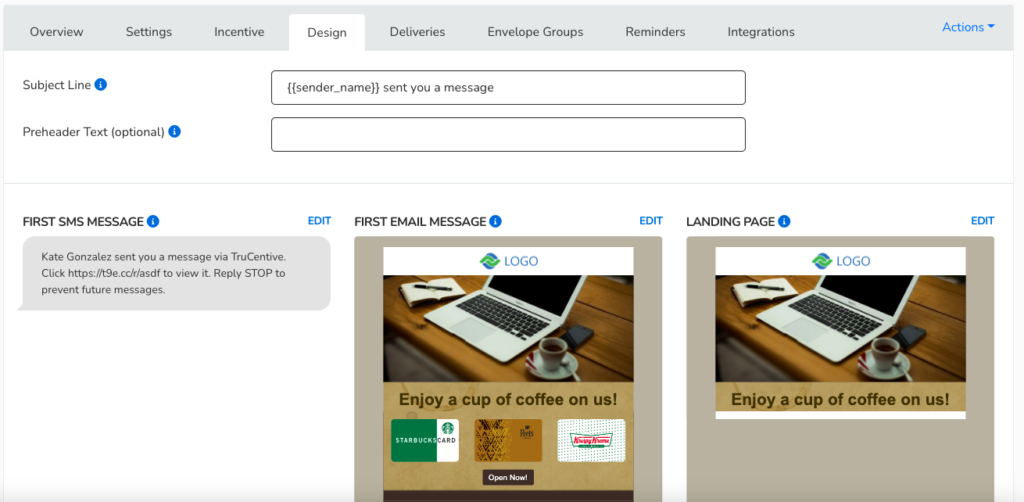
Next click on the edit for the First SMS message, it will open this screen where you can edit the message to your liking.
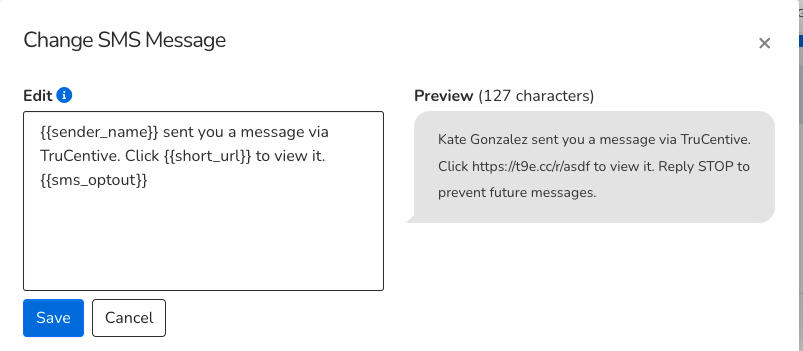
Don’t forget to save your project after you make any changes!
Here is an easy tutorial video on how to customize your SMS message: