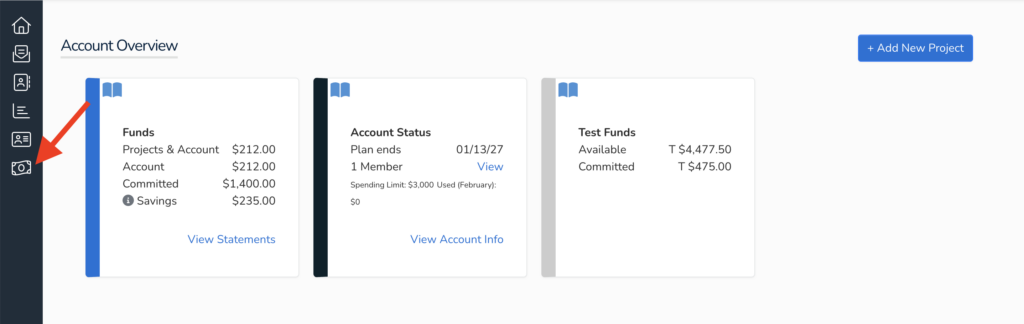
To add funds to your account you will need to log in, on the left side of the screen click on the Billing icon:
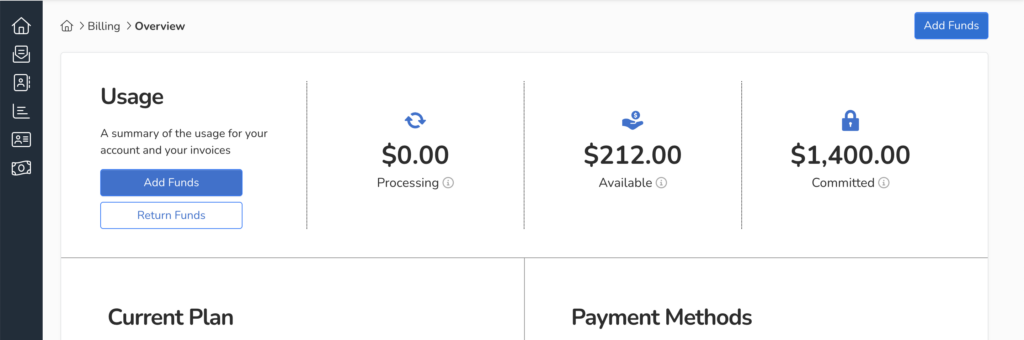
Next click on the overview tab, here you can manage your payment methods, view invoices, and add funds
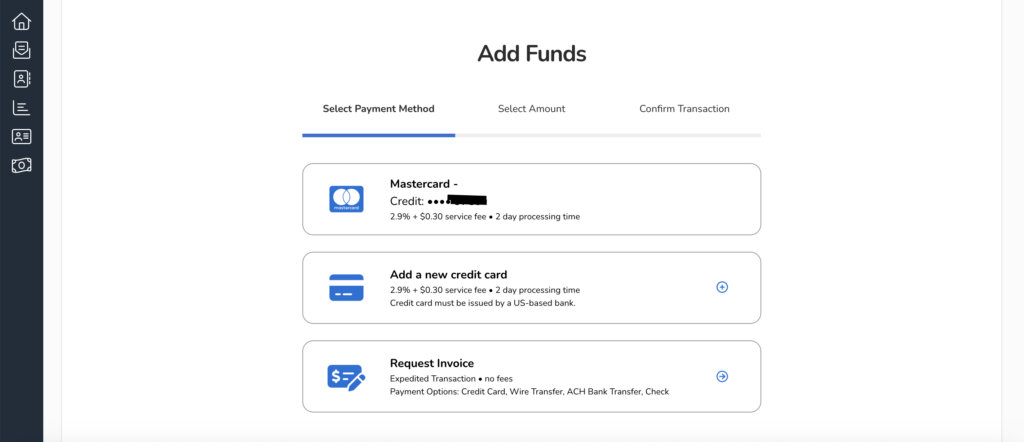
Click on Add Funds to either add funds for a credit card payment or Request Invoice for other payment methods
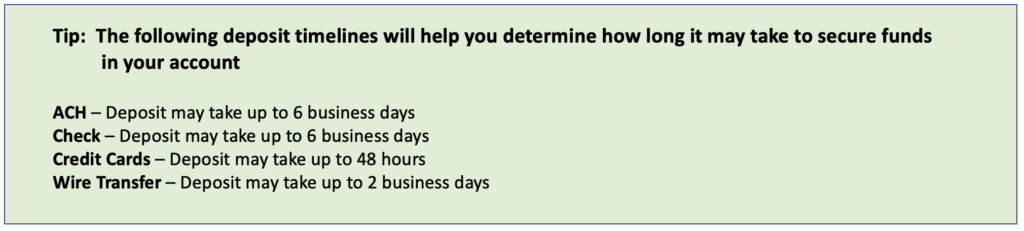
All orders are processed after payment is received. To fund your TruCentive account, you may use the following methods:
ACH – 0.8% processing fee added to the total
Check
Credit Card – 3% processing fee added to the total
Wire Transfer