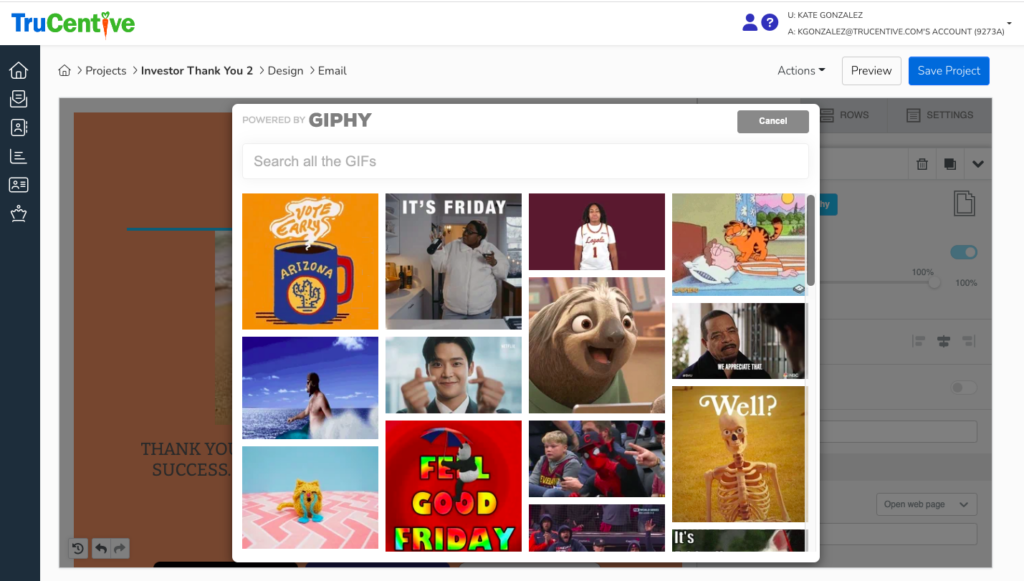
Animate your messages with a GIF!
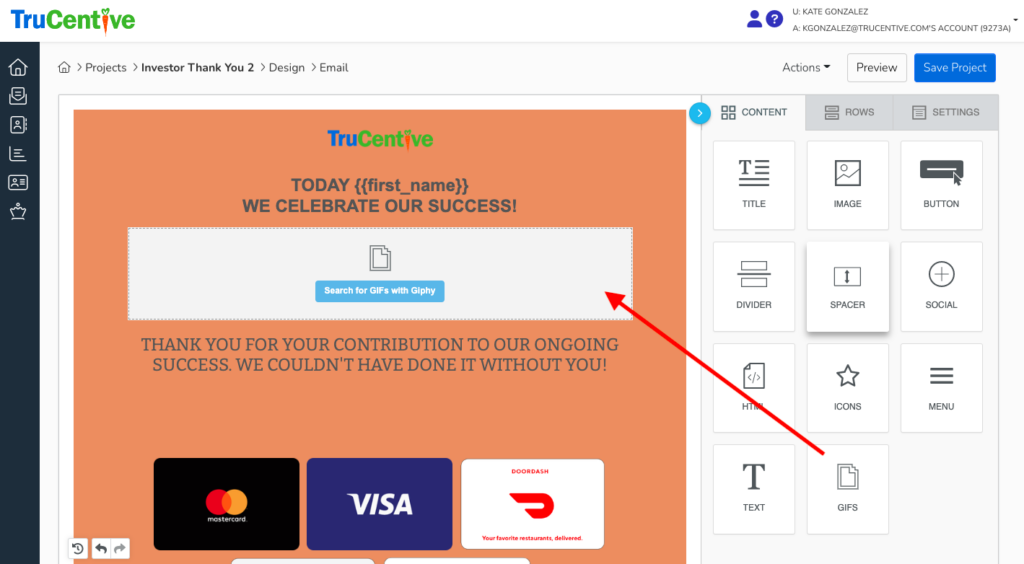
In your project editor just drag the GIFS icon over to your email design, then click on the “Search for GIFs with Giphy” button and you can choose from thousands of free animated images
. Type a keyword in the search box and get ready to have some fun!